
Clockwork Cleanup
(There is a fullscreen option in the in-game settings)
Goo creatures are running amok in the spell factory and its up to you and MAC (Magical Automatic Custodian) to stop them! Guide MAC through a set of five waves of creatures with a boss at the end of each wave. Choose rewards wisely to craft an unstoppable spell arsenal!
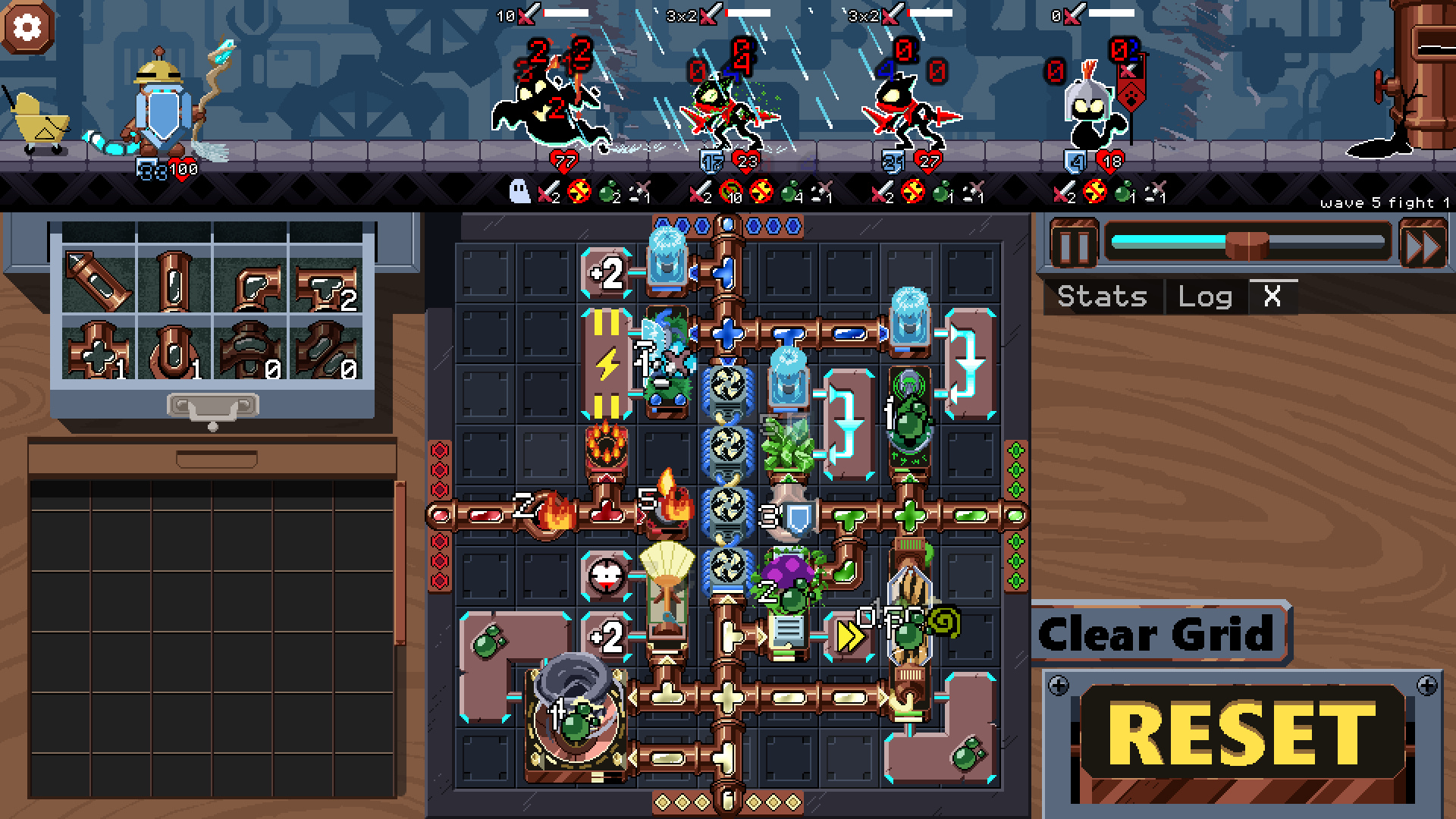
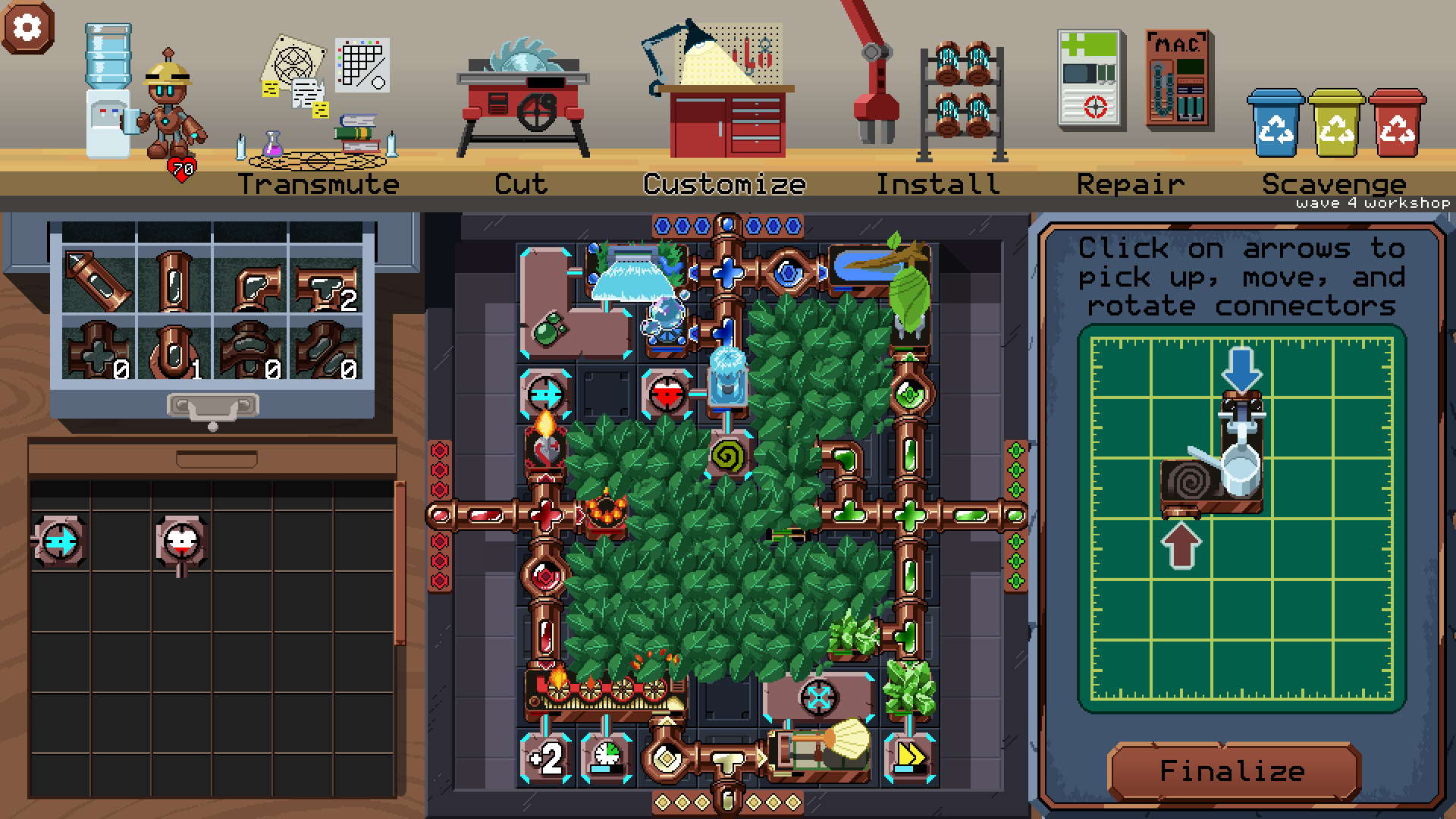
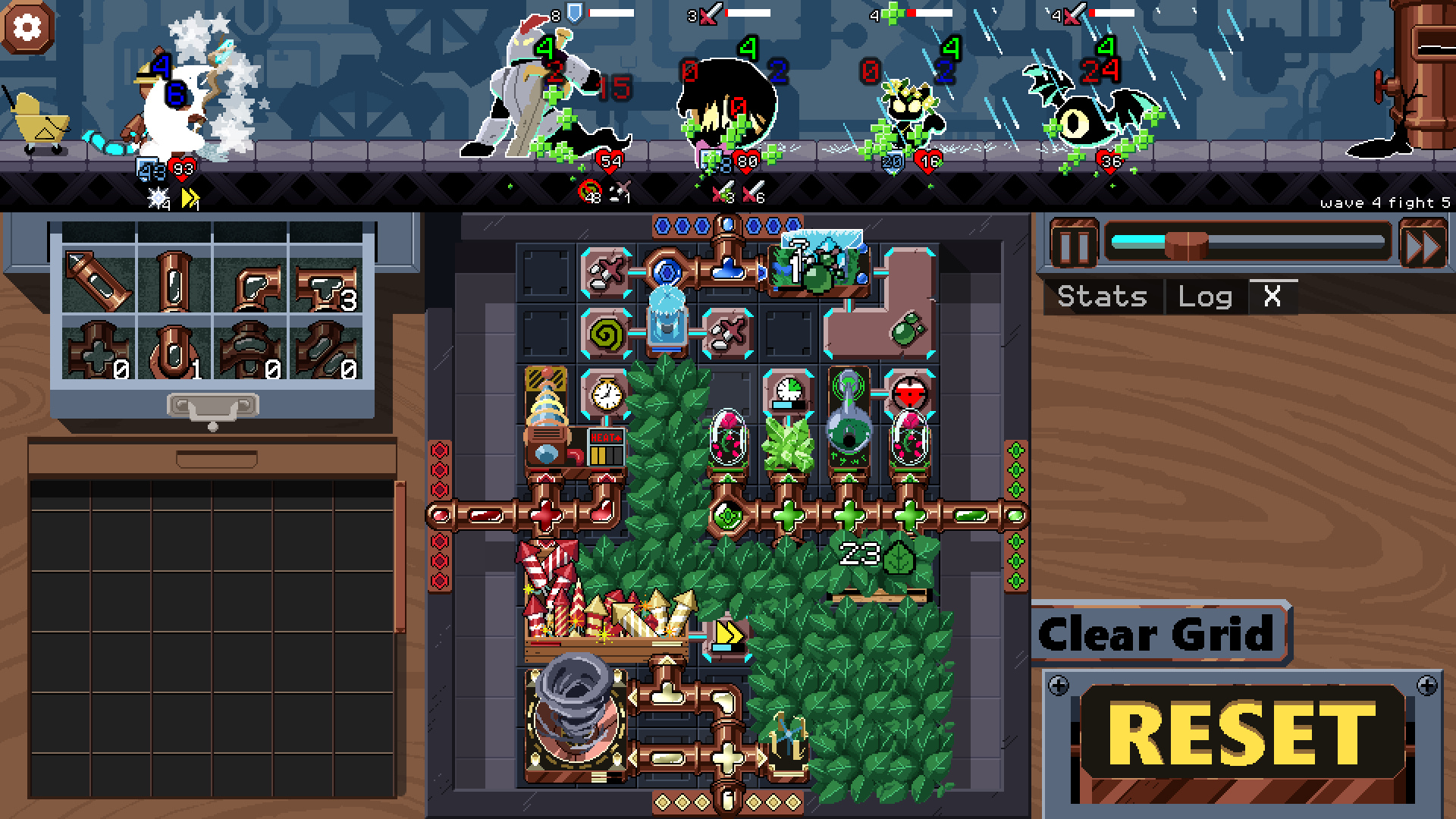
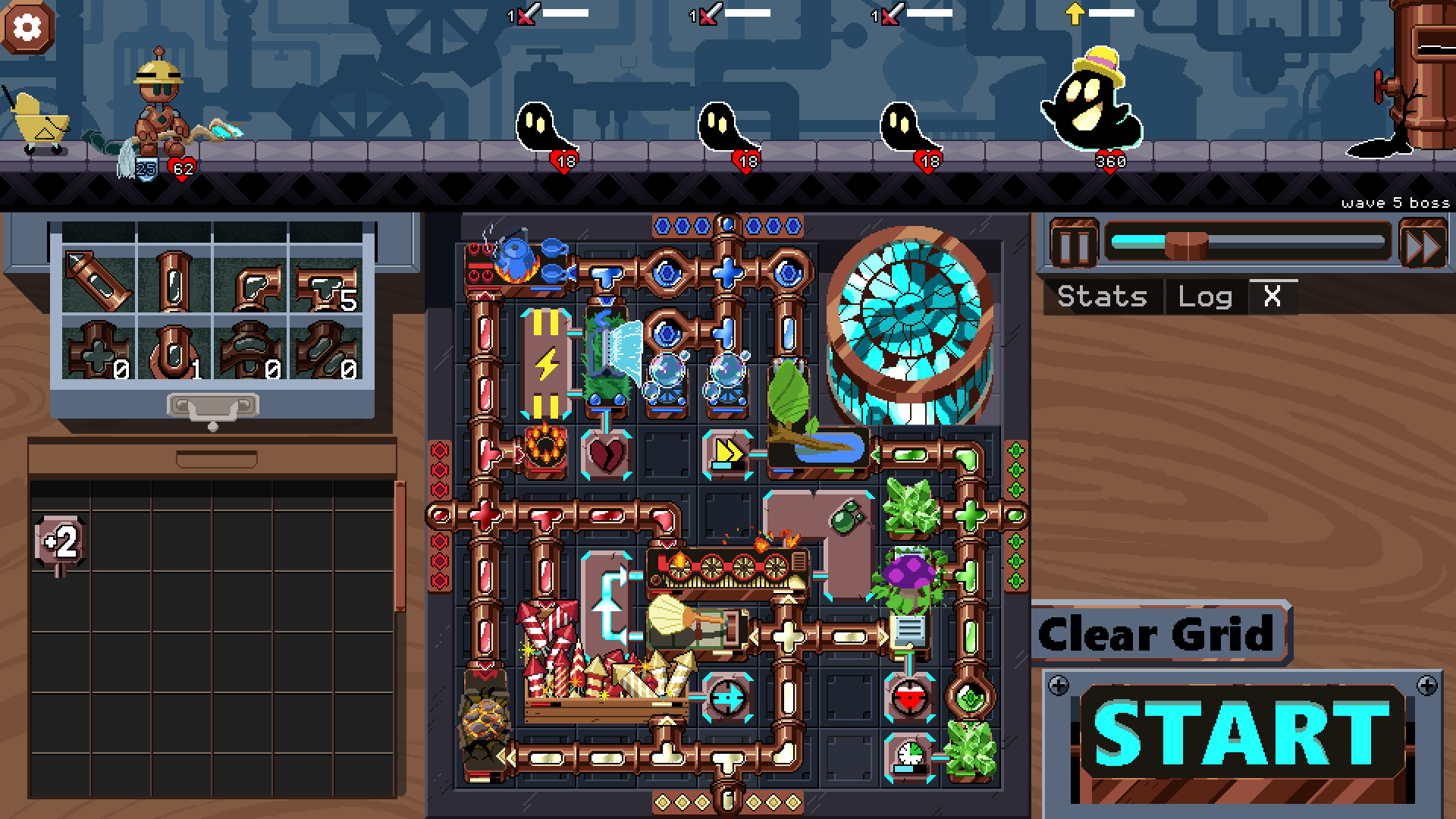
Clockwork Cleanup is an auto-battler where MAC's actions are defined by spell tiles placed in the central grid. All spell tiles need at least one element to function. Routing pipes are used to connect spell tiles to the required elemental source.
The elemental sources are located on the perimeter of the grid: Fire (red, left side), Water (blue, top side), Earth (green, right side), and Wind (light yellow, bottom side).
 | Routing tiles are used to route elemental energy from the source to the spell tiles. Straight and corner pipes are unlimited, but all other routing pipes are limited. T-pipes and +pipes are essential to increase the number of spell tiles you can power. |
 | Single-input spell tiles require only one element to activate. Spell tiles will animate when properly connected. |
 | Dual-input spell tiles must be connected to two elements to activate. Typically, the tile will need two different elements. |
  | Mod tiles are attached to spell tiles to modify their behavior in some way. By default, each spell tile can only support two mod plugs. |
Please pay attention to the in-game tooltips for details about tiles and enemies. There is also a glossary in the menu with more details.
Clockwork Cleanup is an enhanced version of Aetheric Twilight, a game I worked on for a game jam: https://dstears.itch.io/aetheric-twilight
Download
Install instructions
Download and unzip the file above, then run the exe. Windows may complain about the program being unsigned.
Development log
- v1.2.1 Run History and DX12Mar 16, 2026
- v1.2.0 - Virtual MACFeb 20, 2026
- v1.1.2 Release - Endless and Pressure LevelsFeb 06, 2026
- Clockwork Cleanup v1.0.4Dec 19, 2025
- Clockwork Cleanup v1.0.3Dec 11, 2025
Comments
Log in with itch.io to leave a comment.
Great game. Worthy of multiple replays. Well done
Finally i passed difficulty 7. Really good game, good job dev.
speed x2 + trando =OP
Thank you! It’s a great game that I’ve spent many hours playing. I’d love to support you somehow, but there doesn’t seem to be a way to send money (or I couldn’t find one).
I really like the game and would be happy to contribute to its development. I hope you’ll add more levels, a sandbox mode, or an endless mode in the future. I’d also appreciate a higher difficulty, since at the moment it’s almost impossible to lose.
I'm glad you like it. Thank you for playing! I appreciate the offer of support, but there's no need :)
On the steam version there is a beta branch where you can get a preview of the higher difficulty levels. I'm still working on tweaking the difficulty curve and adding an endless mode.
Thanks for the info. I’m going to try the beta version on Steam right away. One way to increase the difficulty could be to introduce enemies that are immune to certain types of attacks (elements). That would force the player to reshuffle and choose different elements more often. This would probably make more sense at higher levels, when the player already has enough components in their inventory.
Another idea is to add malfunctions to some components — situations where the player would have to actively repair something even during a turn, and when choosing new tiles they would decide whether to take active elements or supplies for repairs.
And as one of the first changes, I’d recommend reducing the number of mod slots from the default two to one. This would motivate the player to think more strategically about battery usage.
And sorry for all the suggestions. I’m a developer myself, so I know how annoying it can be :)
129 stacks of reflect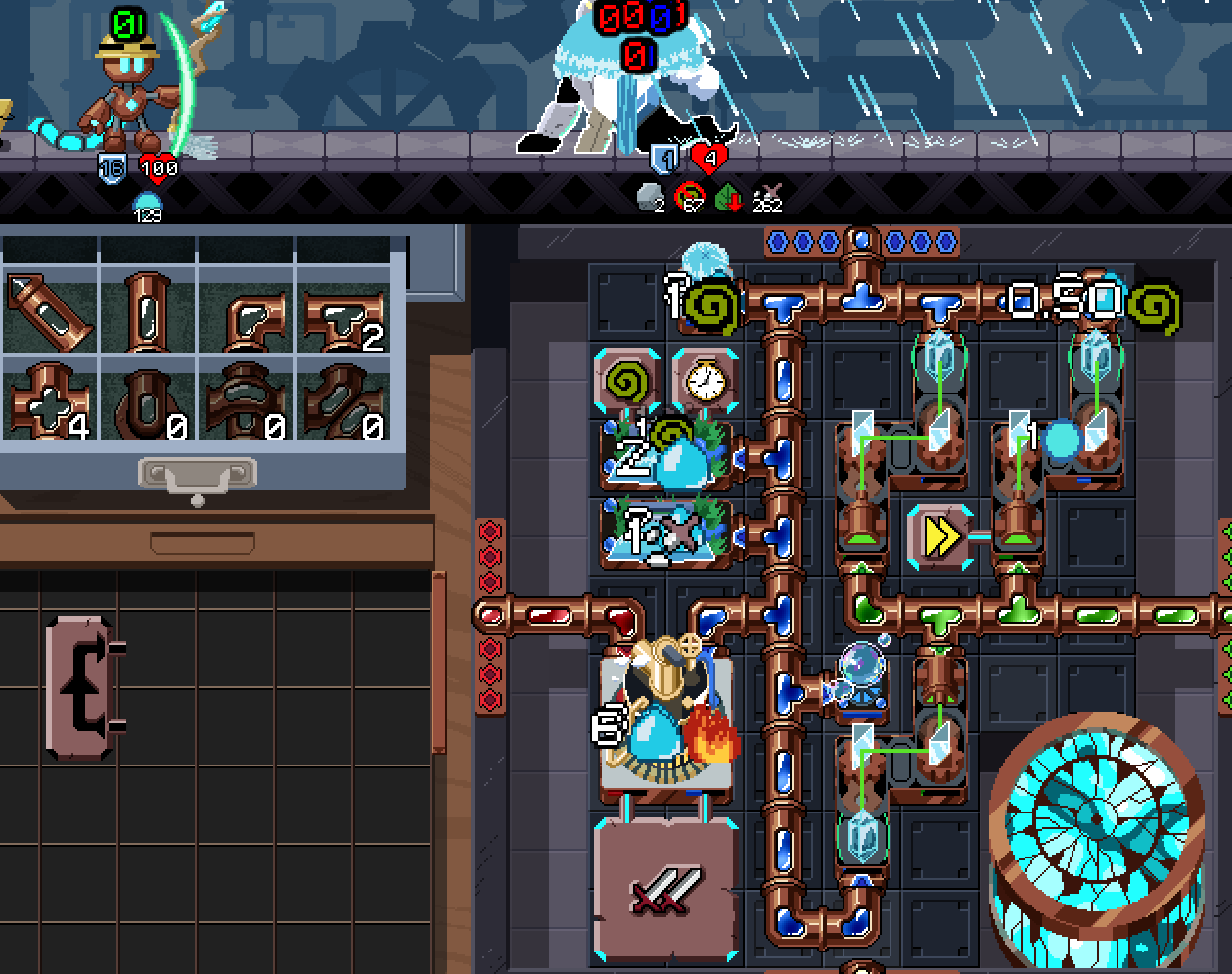
Gotta out-tank the tank :D
LMAO I'm trying to beat the game with 1 primary pipe element and that enemy is the bane of me. Wind and water have not much Single target damage so i gotta use theirs
Played the web version and won twice, once with an 4s daze applied to all enemies every 4 seconds, and once with Target All on Kudzu (though I needed additional poison help for the final boss, probably would’ve done better with double attack instead but never pulled it).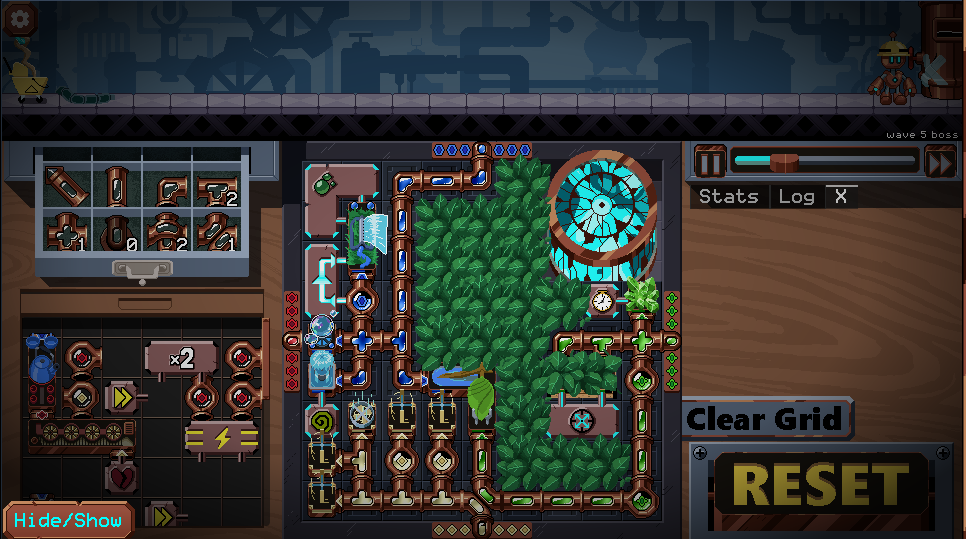
Pretty fun game, fun to figure out how to make different builds work, though I’m starting to run out of fun builds to try with the tiles that are in the game right now.
The Triple Mod Battery (IDK how this actually worked but it was very good)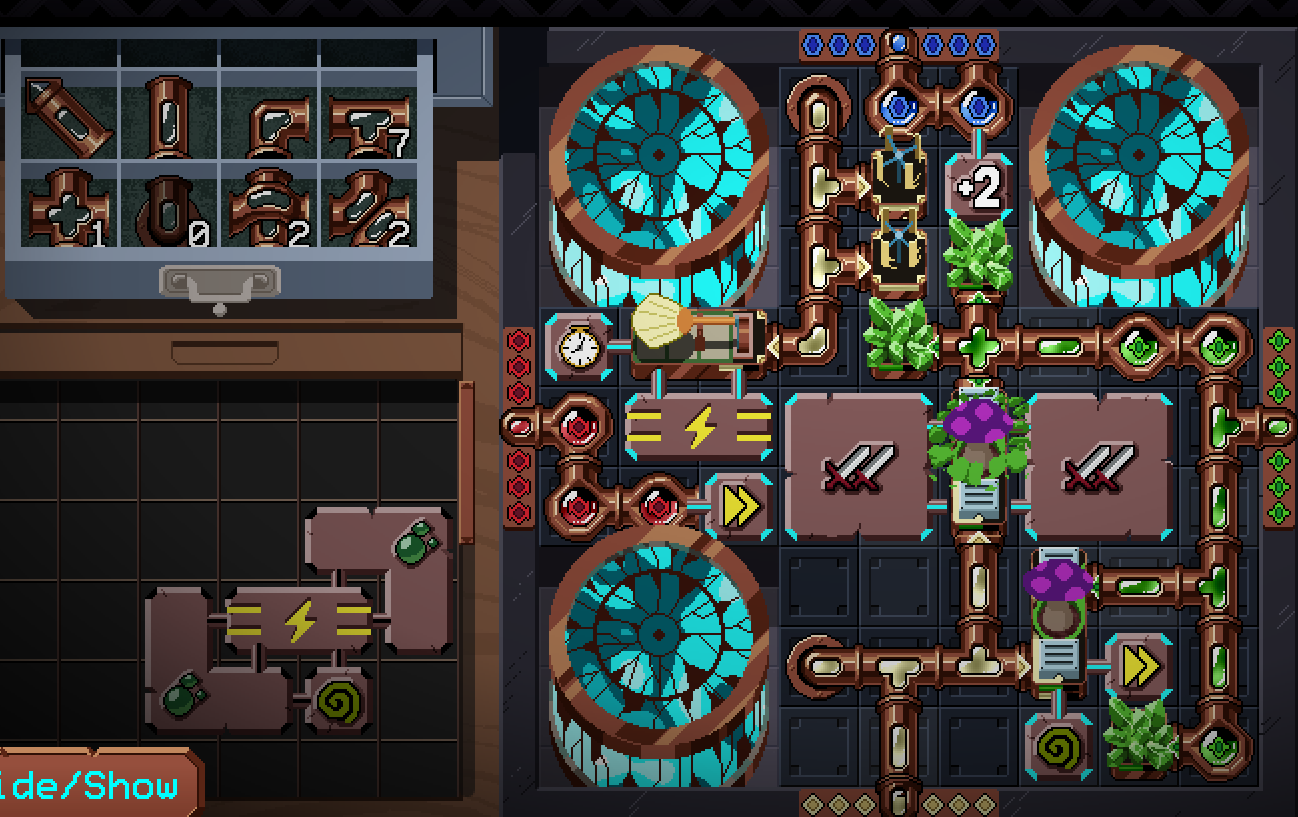
Also yes the multistrike hit 3 times it was great
I dub this build the 'Random Bullshit Go' build because I well and truly didn't know what the hell I was doing throughout most of this run, I just made it work.
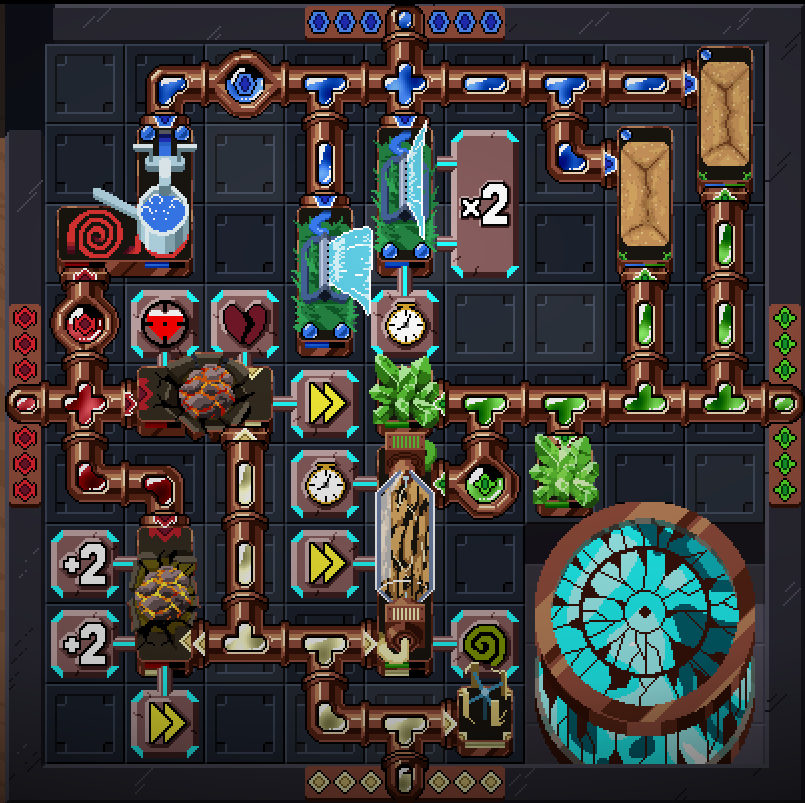
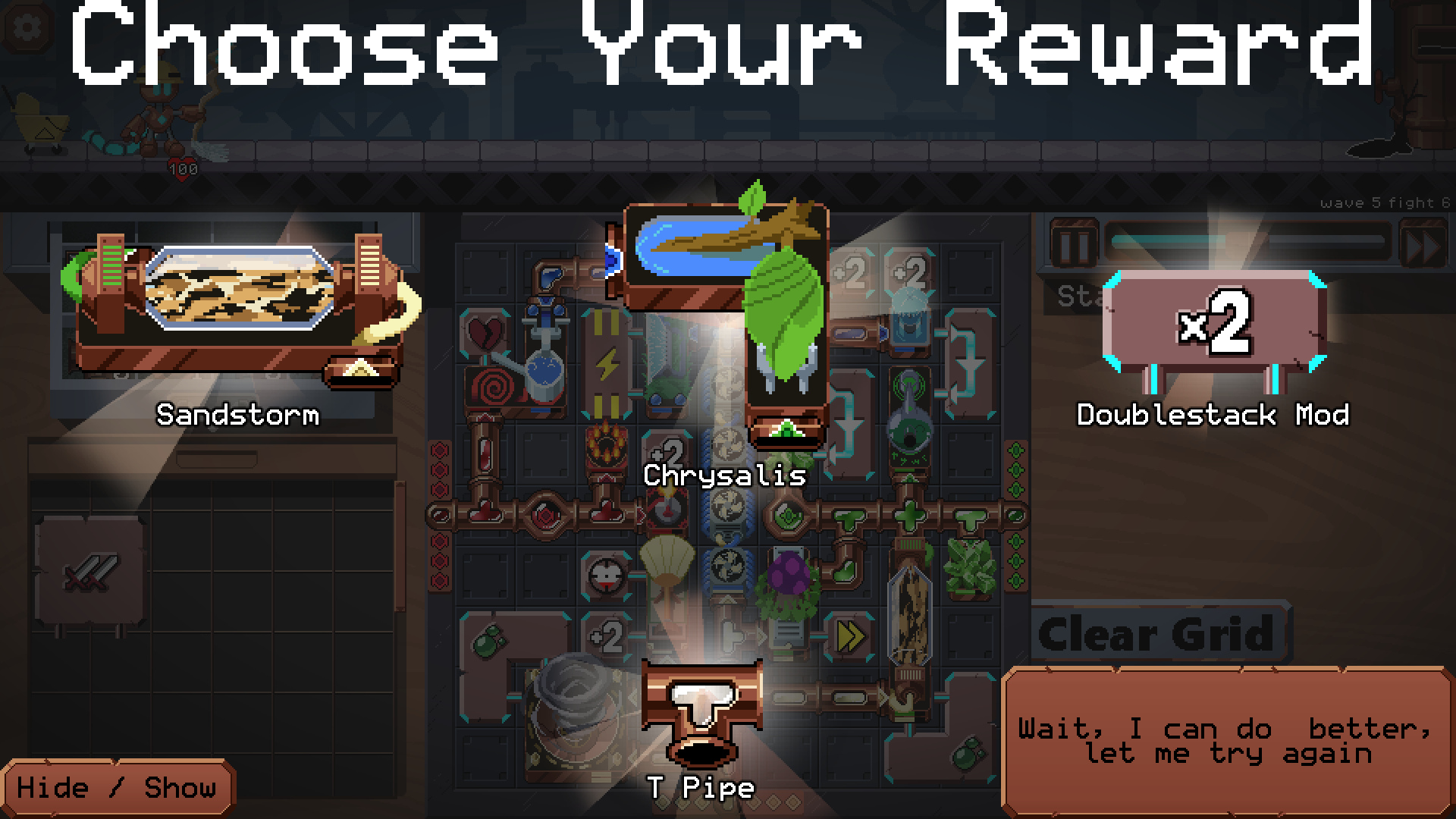
Can you please add reload option when you “Choose Your Reward”(that would be super helpful. Also where can i donate to you?
Are you asking for a way to re-roll to different rewards?
There's no way to give me money, but I appreciate the thought :)
Yes ! Option to re-roll rewards at the end of the wave would definitely be appreciated.
Even my favorite indie YTuber Retromation said in his video: “For free - This game is crazy!”
I really have fun each game - Please give us the option to pay for the game … Full “optional” price would help the development…
Creative mod with option to choose one item (from all the possible items in game) could be also cool …
Step 1: Notice the air passthrough tiles deal 1 damage every 2s.
Step 2: Add +2 damage mod.
Step 3: Add -1s charge time mod.
Simple things amuse me. Also fun to swap the damage for dazed xD
this is way too overkill
but i think you can get killed very fast if enemy is like the last boss
There's a lot of things that it's FAR from a complete strategy against, with either version. It's just one piece in a larger machine. But it's a fun one! xD The rock boss with the -3 damage taken modifier is immune to the damaging version. Large crowds only take one hit at a time, and while it's high dps, there are ways to get multi-target attacks higher during group fights.
I just find things like this one really amusing. Finding ways to take the min-maxing to the extreme is a big part of the fun of a game like this one, at least for me. From your screenshots, it seems like you're enjoying it too!
Uh, if you could get 2 mod tower and a +2 , -1syou could get 0 s cooldown and 5 dmg
Stacking the -1s mods never drops the cooldown below 1s - I tried that already. If you could, that would instantly break the game regardless of having the +2 damage, because you'd hit for infinite damage even with the baseline of 1. The instant the fight starts, you'd hit for 1 damage, then with no delay, hit again, and again, and again, and again... no matter what HP enemies have, they would die at 0s if you could reduce the cooldown that far.
So -1s from the clock mod, how much does the timestealer reduce it by? xD That looks fun!
50%
So it hits every 0.5x? Ouch!
It was about 0.5s but i did have 2 turbines so 20%. Also the +3 damage was crazy
Just realised i had scalding water which applied vunerable so 6 damage oof
What happens with 2 -1 second modifiers? infinite damage
This game is absolutely wonderful, I found it on steam a few days ago and now I made a leaderboard on speedrun.com because its so cool!
Smallest setup to beat final boss i found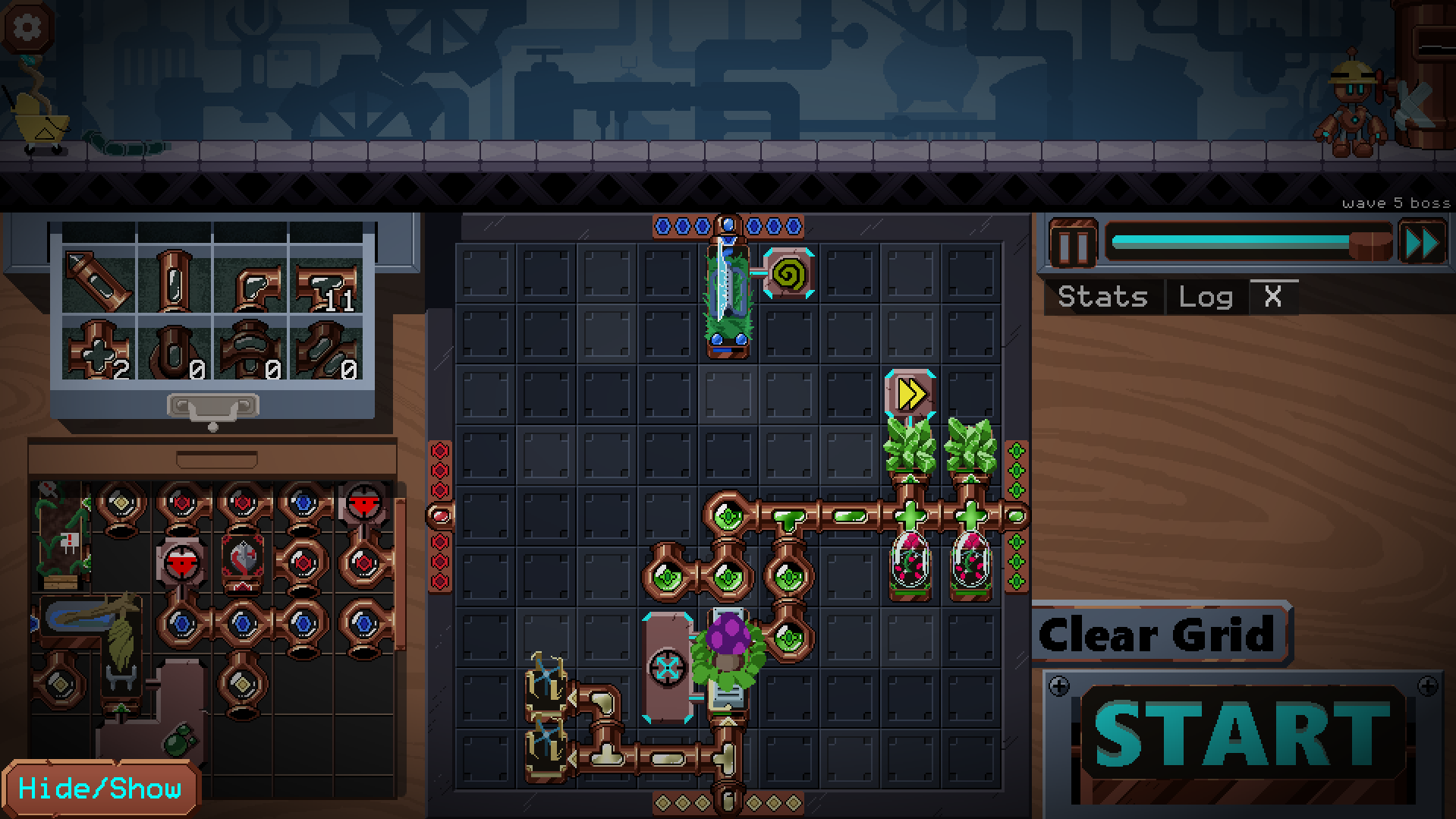
As you know, kudzu is the best looking thing in the game, but it lacks horde control. i removed that weakness and turned kudzu into my prime attacker. I also made this "Invincible thing AGAIN"
You need:
Kudzu
Cristals
Fans
One Mod Cristal(They are not that useless anymore)
Maybe a second spread move attacker.
here i used Earth Pipe attaches that also regenerate shields and wind pipes that also do damage.
Uhh Yeah, would like to hear your suggestions
And You need good RNG
I made a Setup that makes you unkillable.
You dont need a mod tower(because i think that they are useless)
All you need is smth that heals you, smth that weakens enemies and a spread attack with the roses, the windmills, and the crystals.
you can get this setup easier if you use your breaktime to cut things with earth element, because you are always guaranteed to get the rose or the cristal.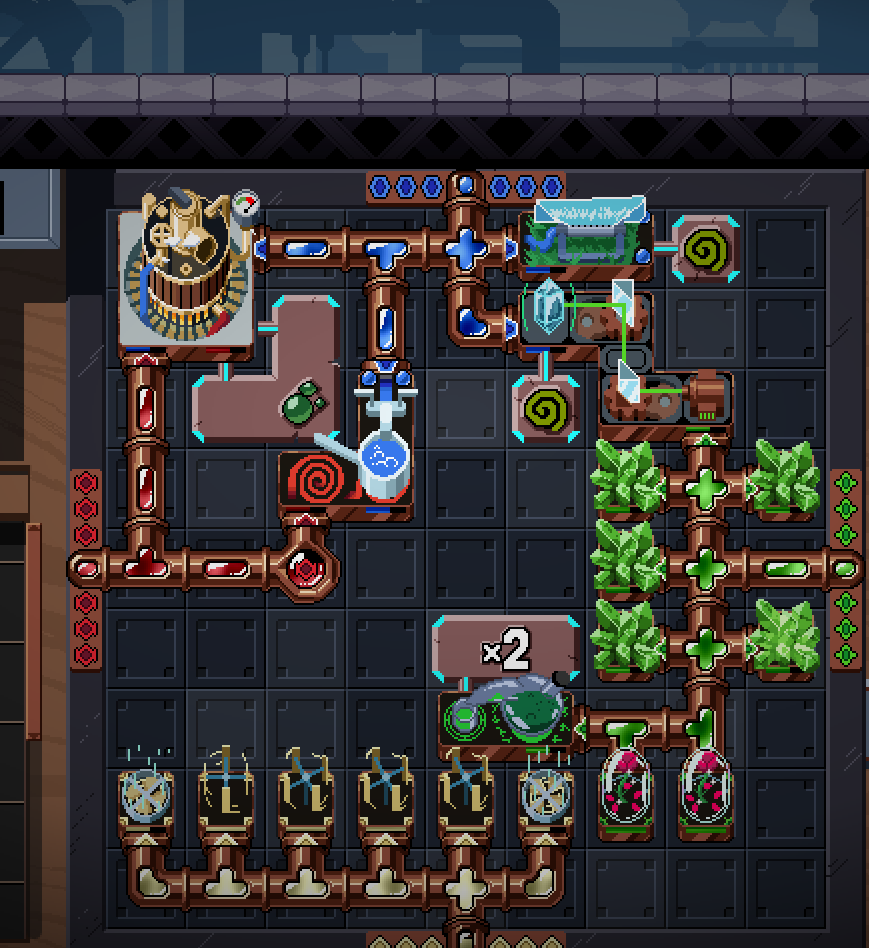
Maybe you need a bit rng
Yeah, in the current state of the game, defensive strategies seem to be king since I didn't put damage scaling on most of the enemies.
You are the first person I've seen to really abuse the cutting tool, so congrats on that :)
thx
Crazy Defence/Mirror Build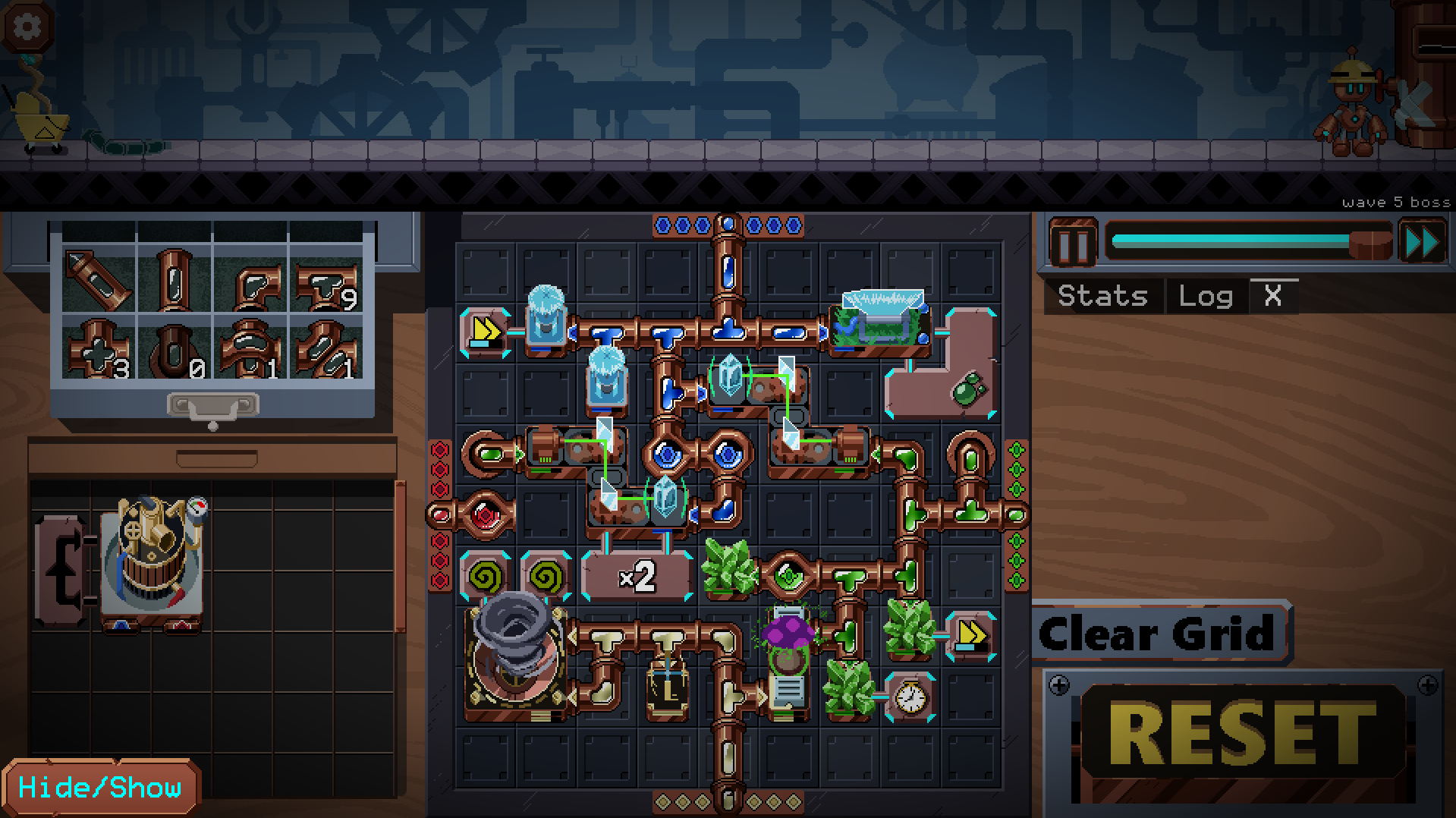
That's a lot of daze!
Yeah lol it makes sure they cant attack too fast and i get more mirrors than i lose. Defence is just a number at this point
Was a bit sketchy at some points but man was this build good. Close to the Dazed Build I wanted, honestly maybe better given 4 Windmills allowing for 100% Haste so stuff was going off FAST.
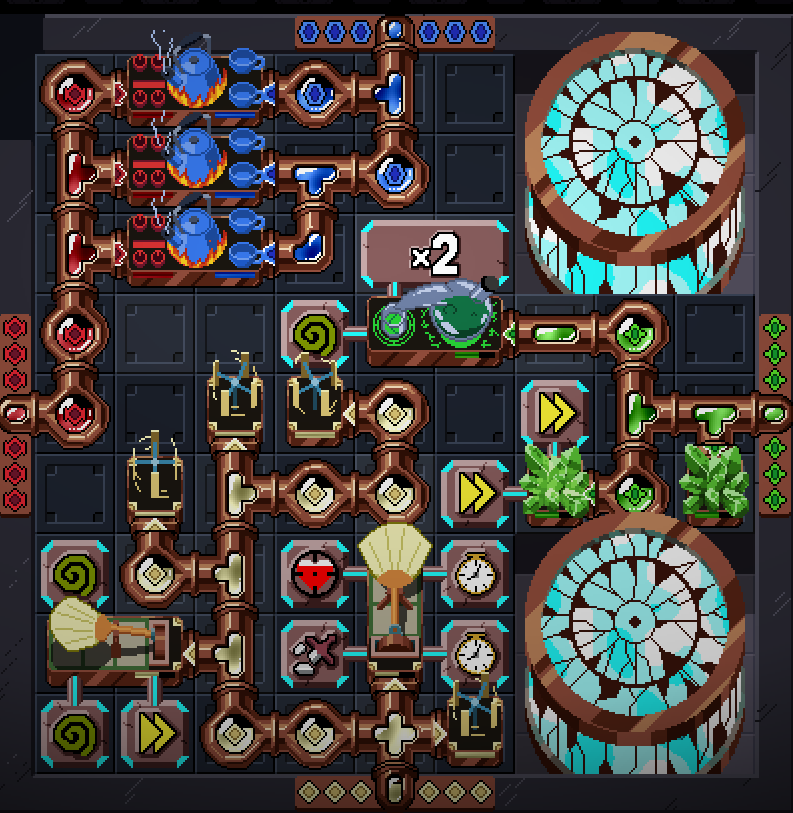
This is great and I want to play a version 3x as long and 3x as hard
Amazing game. I played on Steam first (coincidentally found this here today) and shared it with a few hundred people across Discord servers. Anyone reading this on itch should absolutely try the game if you have any interest in puzzles or autobattlers.
This is the power of a defense build, in this last fight I got about 560 armor/shield. This game is amazing.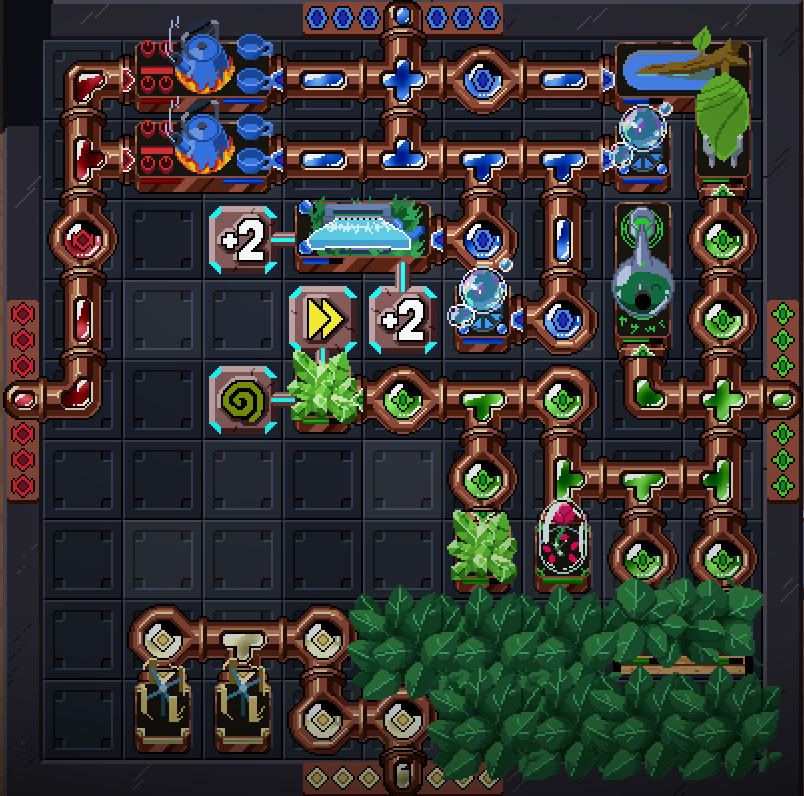
Congrats! Defense builds can be quite powerful.
If you got thorns it would be even better
Played over on Steam and left my review there, I absolutely love this game!! The animation work for all of the tiles is wonderful, I appreciate the different visuals to match powered/unpowered states. Controls for tile placement and management are genuinely very intuitive, although I would've liked to be able to right click + drag to remove pipes in a similar style to pencil placement. I like how each element's spell tiles follow some general theme in terms of function, making each color represent a literal "element" of a good build; Adjusting for where my build was lacking felt so natural when you can plainly see which elements are less developed than others on the grid.
In terms of feedback, would it be possible to have tiles show base stats alongside their modded stats when a mod is applied? I found myself doing a good amount of shuffling with mods and flipping them on and off to see the impact they'd have on certain tiles. I'd also have loved if modded stats were reflected when mods are "attached" to tiles in your inventory, as it became somewhat difficult to individually experiment once my grid became very busy later in the run.
Thanks for playing! And thank you for the suggestions. Adding the ability to right click + drag to remove multiple tiles is a good idea and I can probably add that.
With respect to your mod suggestions, I'll have to do some investigation. I'm not sure how well my infrastructure would support those behaviors and I'd also need to make sure it is still intuitive to new players.
While it is not an elegant solution, if you want to experiment with your grid without messing it up, you can leverage how the autosave works. The game is only saved immediately after you pick a reward and when you press the Start button. This means you can mess around with your grid, quit to the main menu, then hit continue to restore the grid state.
Very cool game! I enjoyed it very much, although I don't think I used all available tools to the full extend. Nice art direction, pleasantly difficult and forces you to be creative in your decisions. Anyway, here's my mess of a grid.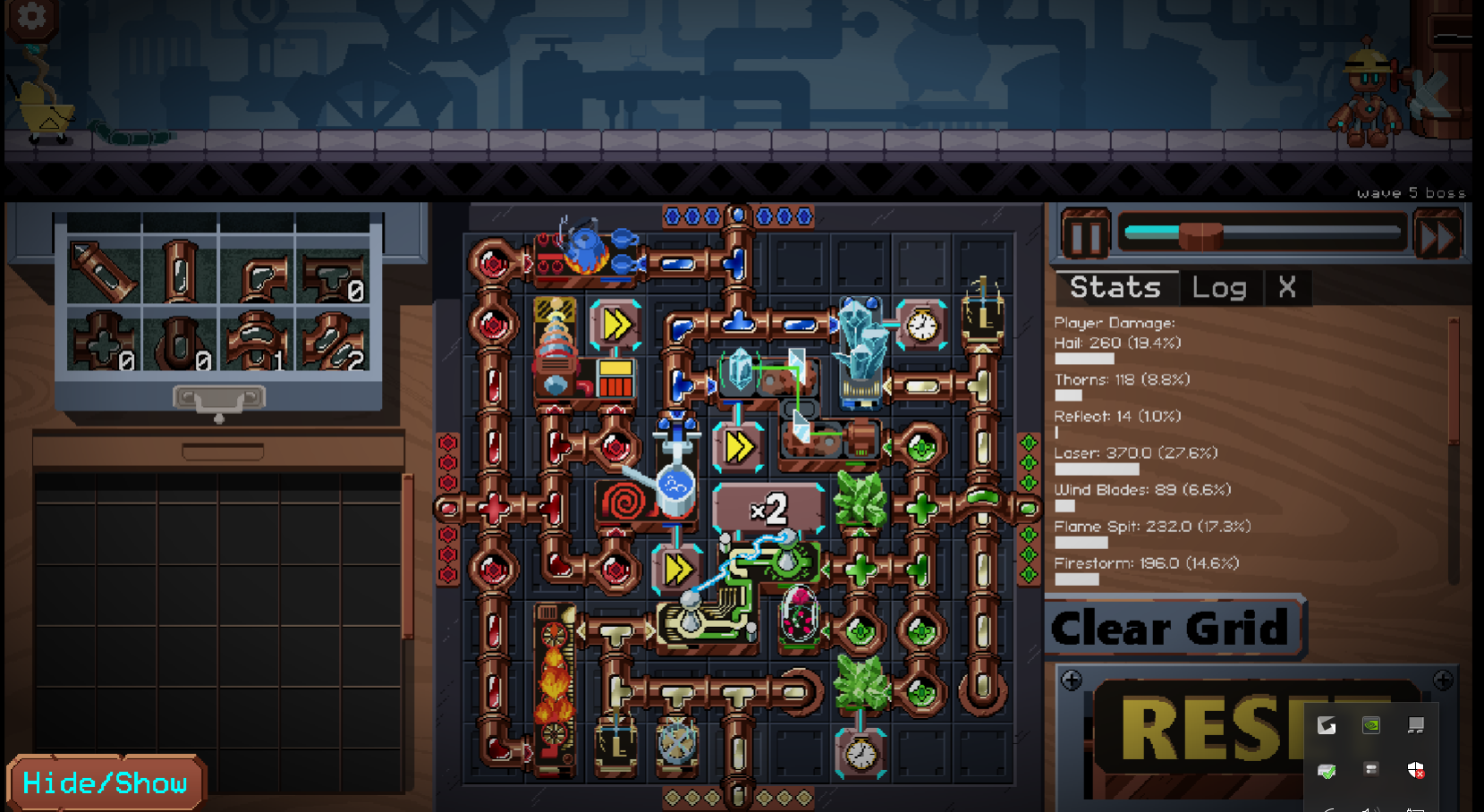
Congratulations! And thanks for playing!